Product trials
Let prospects try supported tools before installing them.
Linux runtime SDK
Embed interactive workspaces, demos and labs in your product. Run supported Linux x86-64 software on the user's device and reduce the cloud compute behind suitable sessions.
Compatibility and performance depend on the workload and device.
Linux downloads into this tab only when you press start.
oxidevm:~$ uname -sm
Linux x86_64
oxidevm:~$ _
Waiting for you to press start
Linux runs in this browser tab
Edit Python. Upload a CSV. Run real Linux in your browser.
Read the quickstartnpx @oxidevm/cli@latest init my-app --startbunx --package @oxidevm/cli@latest oxidevm init my-app --use-bun --startNode.js 24+ · Creates the app, installs dependencies and starts a local server.
Built with OxideVM
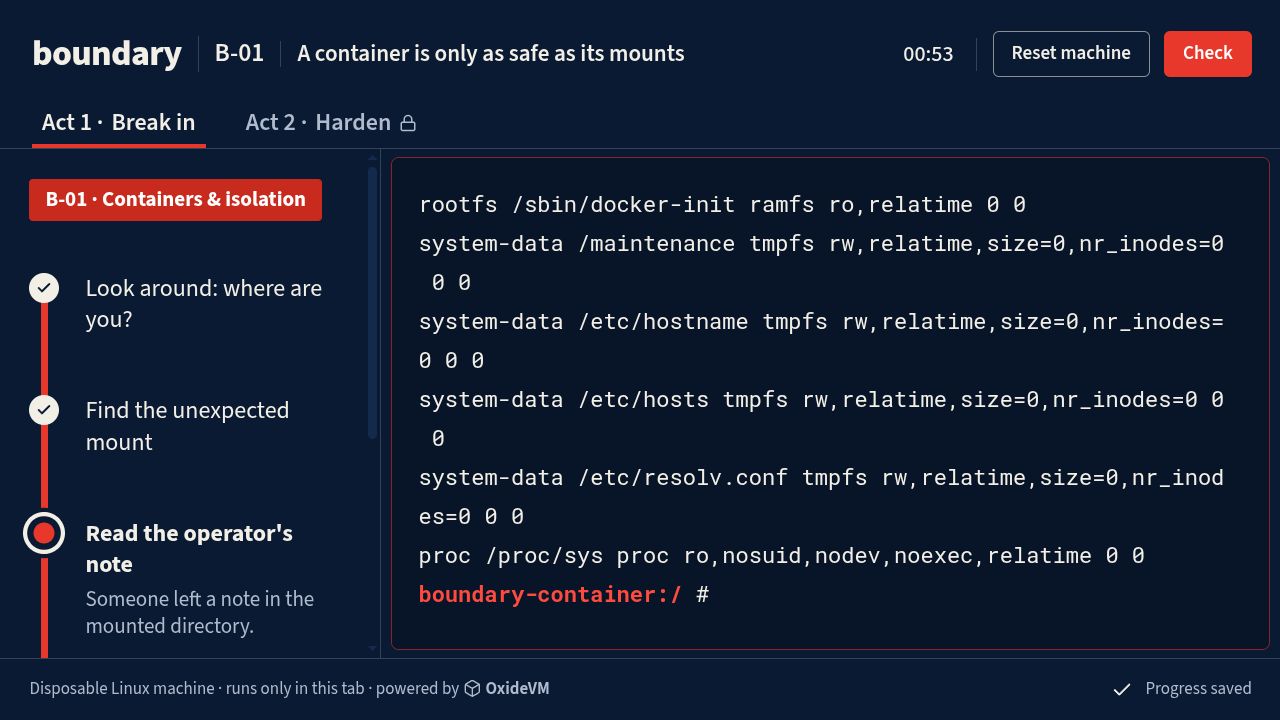
boundary
Break in, harden the same machine, then test the fix. Boundary uses OxideVM to run the lab on the learner's device.
Let prospects try supported tools before installing them.
Put a Linux practice environment inside your learning platform.
Run selected file-processing tasks on the user's device.
Modules
Modules are ready-made add-ons for the Linux in your app. Install one and your app can use it right away.
In your app's folder
npm exec -- oxidevm wasm add \
  github:spacia-ai/oxidevm-pyodide@v0.3.0
Before installing, it shows what the module can reach and asks you.
Python 3 with pandas and Matplotlib. Just type python3.
A Postgres 18 database in the workspace. Connect with psql.
Or package your own WebAssembly program.
Compare the cloud compute you avoid with delivery, licensing and the services you still need.
Measure the savings on your workloadStart with supported software and tasks that fit your users' devices.
Bring your tools and a sample project. Find out how your workload performs in the browser.
Bring one command or sample project. Evaluate compatibility,
performance and potential savings.